NFC cards
Tap-to-share cards that open the business's profile.
Business cards, counter stands, stickers and tags with an NFC chip and a QR code. One tap on a phone opens the business's profile or review page. You print them with any supplier; we make every code.
14 days free · No card needed · No cut of your sales
Scan or tap
No app needed. Opens the profile on any phone.
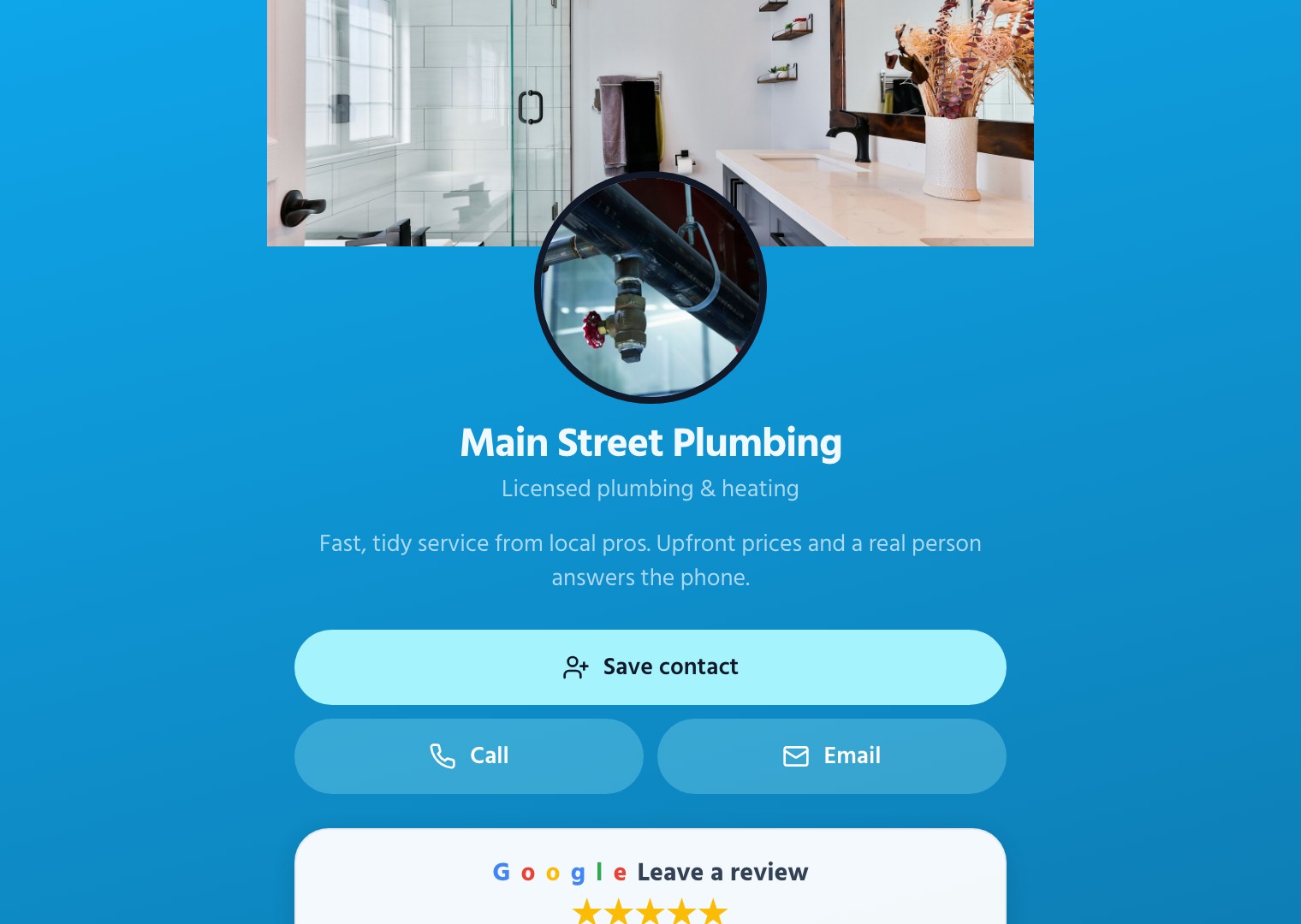
Main Street Plumbing
Licensed plumbing & heating
Tap hereYou don't need a customer list: the smart leads finder finds these businesses near you, with ready-to-send emails.
What your client gets
A card that never runs out of date
The card holds a link, not the details. Update the profile and every card already handed out shows the new number, hours or offer.
One tap, no app
Customers hold their phone to the card and the business's page opens. Saving the contact takes one more tap.
A QR code on every card
Printed on the back for phones without NFC, and for flyers, receipts and windows.
Change it any time
Point a card at a different page, a new offer or a review form without printing a new one.
Stands and stickers for the counter
A review stand by the till or a sticker on the window gets tapped by every customer who waits.
Every tap counted
See how often each card and stand is used, so you know which ones earn their spot.
Lost card? Switch it off
Turn off one card from the CRM. Nothing else is affected.
What you get
You print, we make the codes
No stock to hold and nothing to ship. Order blank NFC cards from any printer, send them our file, and sell the result at your own price.
- Make a batch of codes for business cards, review cards, stands, stickers or tags
- Download a CSV for the printer or a print-ready QR sheet
- Every card links through your agency's domain, under your brand
- Link, move or switch off any card from the CRM; tap counts for each
- Hand over blank cards: the business sets them up with a tap and an email link
- Codes and print files are free; you price the cards
Every card gets a permanent link on your agency's domain. Point it at a profile, a review page or any web address, and change it whenever you like without reprinting.
How it works
From yes to live in an afternoon
- 1
Make the codes
Pick what you're printing and how many. The CRM makes a code and a QR for each.
- 2
Send to the printer
Upload the CSV or the QR sheet with your design to any NFC card printer.
- 3
Link them
Link each card to the business's profile or review page, or let the owner do it with a tap.
- 4
Sell the next batch
Staff cards, a counter stand, window stickers: every business needs more than one.
Questions agencies ask
Do customers need an app?
No. Modern iPhones and Android phones open the card's link with a tap, and the QR code printed on every card covers any phone without NFC.
Where do I get the cards?
From any NFC card printer or online supplier: business cards, review stands, stickers and key tags all work. Make the codes in the CRM and send the printer the CSV (each card's code and the link to write to its chip) or the QR sheet. Common chips such as NTAG213 or NTAG215 are fine.
What does 9x12 charge for cards?
Nothing. Codes, QR codes and print files are included, and you set your own price for the cards. You only pay for what a card opens: a bio profile or review card is $1 a month wholesale while it's live.
What happens when a card is tapped?
Every card has a permanent link on your agency's domain, like youragency.com/tap/7c1e0a93bd. A tap sends the visitor straight to wherever the card points: the business's profile, its review page or any web address. Each tap is counted.
Can I change where a card points?
Yes, any time, without reprinting. Move a card to another profile or a web address, or switch off a lost one. When a profile moves to the business's own domain, its cards follow.
Can a business set up its own card?
Yes. Hand over a card that isn't linked yet. The first tap opens set-up: the owner signs in with an email link and connects it to their profile. Or link it for them in the CRM before you hand it over.